Make a listing video from your photos
Last updated 2026-11-25 · Venu Gopal Reddy Muvva, founder
ListingPhotoStudio creates a WebM slideshow video from your edited photos. It adds a slow zoom effect and a title card with the property address. You can share this video with your agent on the delivery page.
Steps
- Upload your shoot. Go to your listing page and upload the JPEG or PNG photos from your shoot. The system processes them into edited images first.
- Process the photos. Click Process all photos. The tool applies HDR, window pull, and other edits. Wait for the QC scores to appear on each image.
- Generate the video. On the listing page, click to make the listing video. It uses up to 20 of your finished photos.
- Add the title card. The video includes a title card with the property address. You can review the video before sharing it with your client.
- Share the delivery link. Send your agent the delivery page link. They can download the video along with the photos and other listing assets.
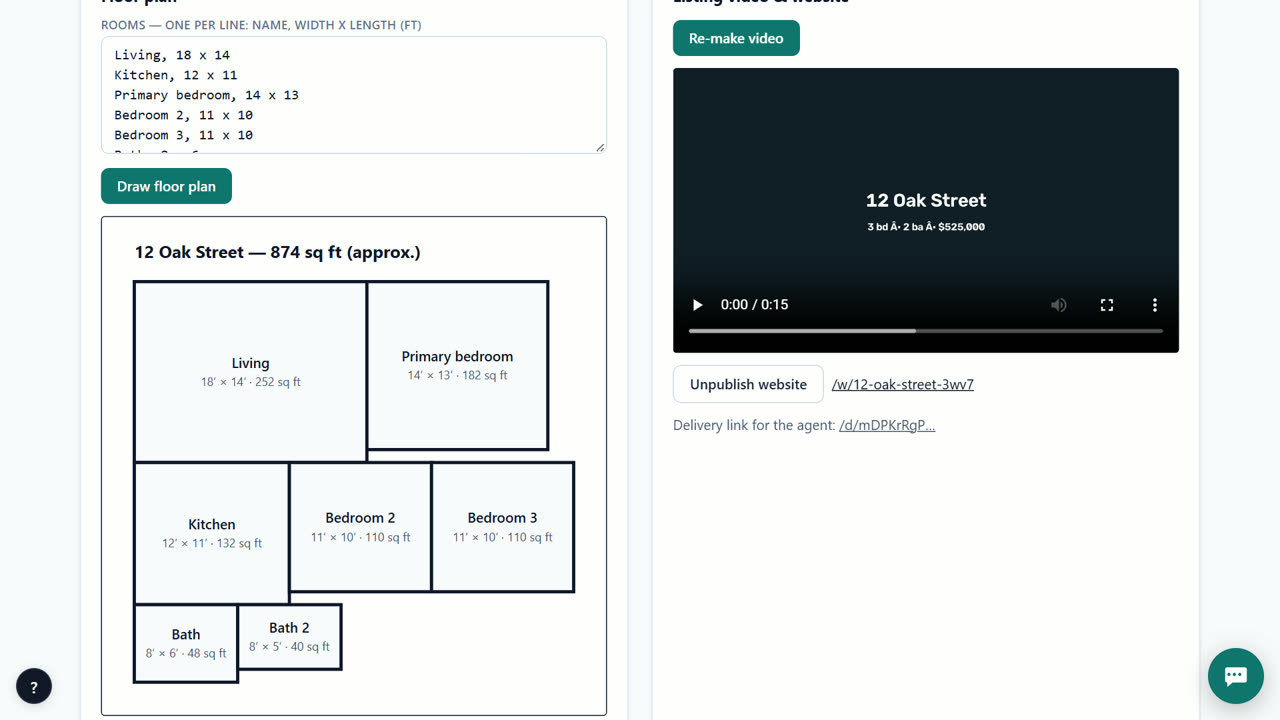
How the video is built
The video is a WebM file made from your edited photos. It uses a slow zoom effect on each image to create movement. A title card appears at the start with the property address. This format works well for social media and listing pages. You do not need to edit the video manually. The tool handles the timing and transitions for you.
When to use it
Use this feature when you want to give your agent a quick visual summary of the property. It is useful for social media posts or email updates. The video is generated from the same photos you use for the listing. This saves you time compared to editing a video separately. It is not a full cinematic tour, but a simple slideshow.
Delivery to your agent
The video appears on the branded delivery page, where your agent can play and download it. If you publish the property website, the video shows there too. Send the delivery link by email, or add the agent as the listing's client so they get the photos ready email automatically.
When ListingPhotoStudio is not the right tool
This tool does not create 3D tours or cinematic drone footage. If you need a full virtual tour with navigation, you need a different service. It also does not edit video clips you shoot separately. It only makes a slideshow from your still photos. For complex video editing, use a dedicated video editor.
Questions
What format is the video?
The video is a WebM file. This format works well on most websites and social media platforms. You can download it from the delivery page.
Can I change the music?
No, the tool does not add music. It creates a silent slideshow video with a slow zoom effect. You can add music later if you want.
Do I need to edit the photos first?
Yes, the video uses your edited photos. You must process the photos before generating the video. The video reflects the final look of your listing images.
Related
Free for your first 14 days. Then pay only for what you use.
Start free — 14 days on us