Straighten verticals and fix lens distortion
Last updated 2026-11-25 · Venu Gopal Reddy Muvva, founder
ListingPhotoStudio finds the vertical lines in each photo and corrects keystone tilt so walls and door frames stand straight. Lens correction, which removes the bulge of wide lenses, is an option you can tick per photo.
Steps
- Upload photos. Upload your JPEG or PNG files to a new listing. You can upload single shots or exposure brackets.
- Process the shoot. Click Process all photos. Perspective correction is on by default; tick Lens correction in a photo's edit options if it needs it.
- Check the QC score. Vertical tilt is one of the seven QC checks. A photo still leaning after correction scores lower and is re-edited automatically.
- Download the files. Download the corrected photos from the delivery page.
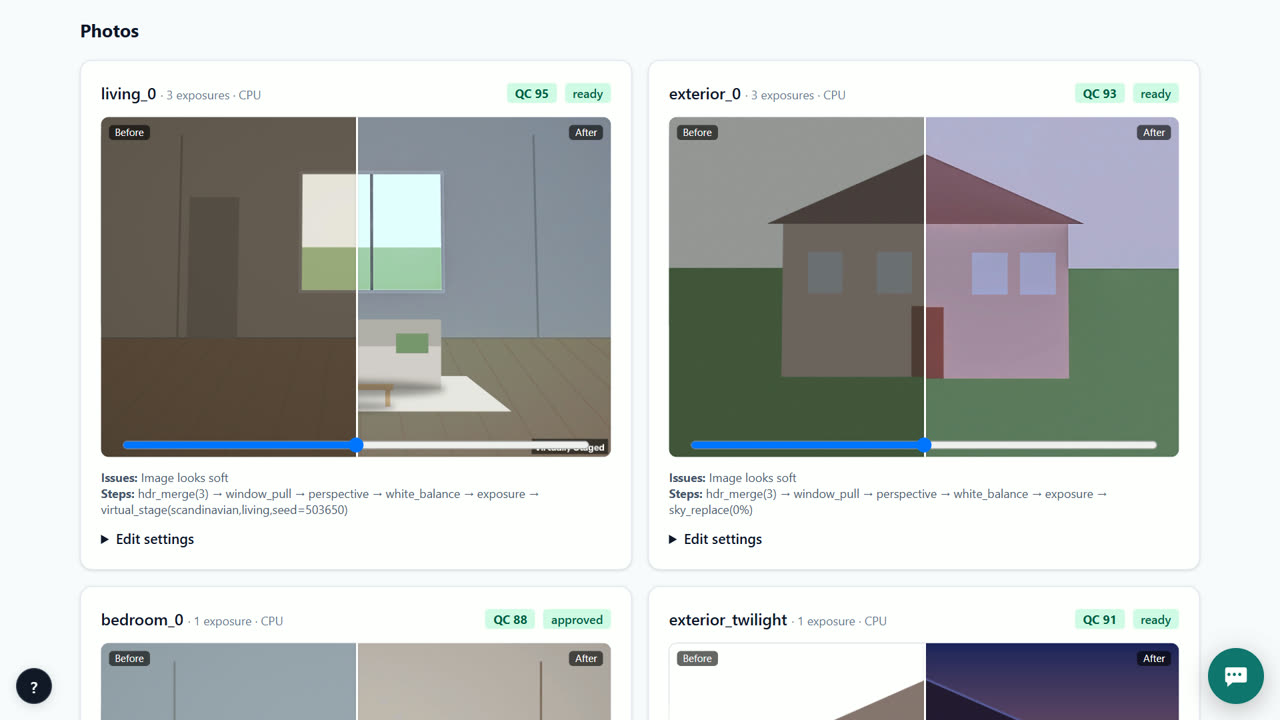
How perspective correction works
Wide-angle lenses make walls lean in or out when the camera tilts. This is keystone distortion. ListingPhotoStudio finds strong near-vertical lines in the photo and adjusts the image so they stand straight. Lens correction, an option per photo, removes barrel distortion, where straight lines bow outward. You don't draw lines or move sliders.
Why straight verticals matter
Leaning walls are one of the most common reasons buyers' eyes stop on a photo, and many photographers and agents treat straight verticals as a must. The QC score includes a vertical tilt check, so a photo that still leans is flagged. Straightening does not need a disclosure label.
Combined with other edits
Perspective correction runs alongside HDR merging, window pull, and white balance. This means you get a fully edited photo in one step. The system aligns brackets, pulls window views, and straightens walls all at once. You save time by not switching between different tools. The process is fast and consistent across your entire shoot.
What you need to upload
You can upload JPEG or PNG files. RAW files are not available yet. If you use exposure brackets, name them clearly so the system groups them correctly. For example, use kitchen_1, kitchen_2, and kitchen_3. The system will merge these into one photo and apply perspective correction. You can also use our example listing to see how it works before uploading your own photos.
When ListingPhotoStudio is not the right tool
If you need to manually adjust perspective for creative control or use a Lightroom plugin, ListingPhotoStudio is not the right tool. We do not have a Lightroom plugin yet. If you only need basic cropping and color adjustments, a simple photo editor might be enough. We focus on automated, MLS-ready corrections for real estate photographers.
Questions
Does it fix lens distortion?
Yes, when you tick Lens correction for a photo. Keystone (leaning walls) correction is on by default.
Can I adjust the correction manually?
No. The correction is automatic. You cannot manually adjust the perspective sliders. The system applies the best correction based on its analysis.
Is RAW file support available?
No. RAW uploads are not available yet. You must upload JPEG or PNG files for perspective correction and other edits.
Will the MLS accept the corrected photos?
Straightening is a standard edit that doesn't need a disclosure label. Check your own MLS's photo rules for anything else.
Related
Free for your first 14 days. Then pay only for what you use.
Start free — 14 days on us