Real estate photo editing API
Last updated 2026-11-25 · Venu Gopal Reddy Muvva, founder
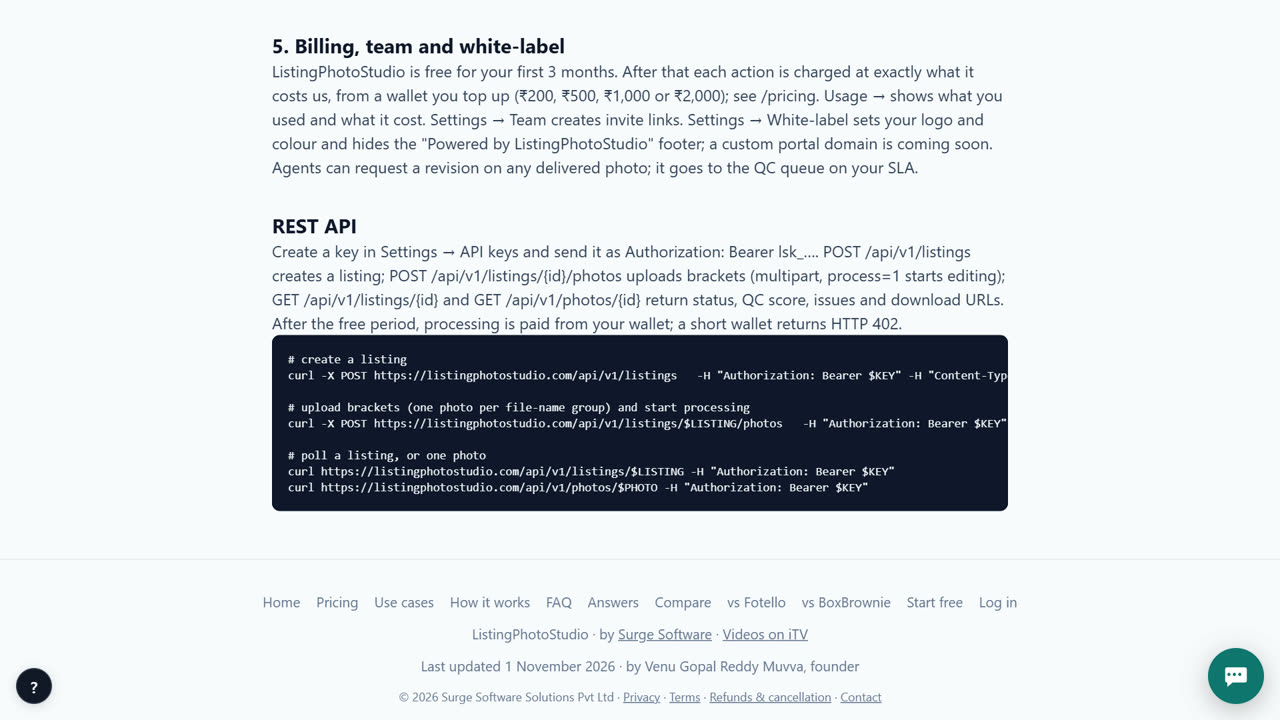
You can use ListingPhotoStudio's REST API to automate your photo workflow. Create a listing, upload bracketed images, and poll for status. You will get QC scores and download links for each photo.
Steps
- Create an API key. Generate a new API key in your studio settings to authorize your requests.
- Create a listing. Send a POST request to create a new listing with the property address and details.
- Upload photos. Upload JPEG or PNG files with the process flag set to 1 to start editing immediately.
- Poll for status. Check the listing and photo status until processing is complete and QC scores are available.
- Download results. Use the download URLs in the response: the MLS copy, the branded copy, the unlabeled original and a thumbnail.
Authentication and setup
You need an API key to use the REST API. Create one in your studio settings after signing up. Include this key in the header of every request. The API works with standard HTTP methods like POST and GET. You can use it from any language that supports HTTP requests. This lets you connect ListingPhotoStudio to your existing CRM or booking system. You do not need to log in through the web interface for each action.
Uploading and processing
To start editing, upload your photos via the API. You can send individual JPEG or PNG files. If you have exposure brackets, group them by file name or count. Set the process parameter to 1 to trigger automatic editing. The system handles HDR merging, window pull, and sky replacement. You can also request specific edits like twilight or object removal. Processing takes a few seconds per photo. You will receive a unique ID for each photo to track its progress.
Checking status and results
After uploading, poll GET /api/v1/listings/{id} or GET /api/v1/photos/{id}. Each photo has a status, a QC score from 0 to 100 and the named issues. Low scores are re-edited automatically and may go to the human QC queue. When a photo is ready, the response includes download URLs for the MLS copy, the branded copy, the unlabeled original and a thumbnail.
Billing and limits
Like the app, the API is free for your first 14 days. After that a photo edit costs ₹21 (about $0.25), down to ₹16.80 with bigger packs, and 20 photo edits a month are free. If your wallet is short, the upload with process=1 returns HTTP 402 and nothing starts; top up on the Usage page and try again. There is no subscription.
When ListingPhotoStudio is not the right tool
This API is not for you if you need photoreal virtual staging today, as that feature is not available yet. It also does not support RAW file uploads, only JPEG and PNG. If you require direct MLS upload via RESO, that is not built yet. For a Lightroom plugin or native mobile app, look elsewhere. This tool is best for automating standard listing photo edits and delivery.
Questions
What file formats does the API accept?
The API accepts JPEG and PNG files. RAW files are not supported yet. You can upload individual photos or bracketed sets.
How do I know when a photo is ready?
Poll GET /api/v1/photos/{id}. When the status is ready (or approved after a human review), the response has the QC score and download URLs.
Can I request specific edits via the API?
Yes. Send an ops JSON with the upload, for example {"twilight":true} or a sky choice.
What happens if my balance is low?
If your wallet is empty after the free period, the API returns an HTTP 402 error. You must add funds to continue.
Related
Free for your first 14 days. Then pay only for what you use.
Start free — 14 days on us